PDF remediation: AI fixes with optional human verification
Accessible PDF remediation: AI fixes for $1.50 a page, or human-verified from $4 a page. Tags, reading order, alt text, tables and forms, with a report.
Last updated
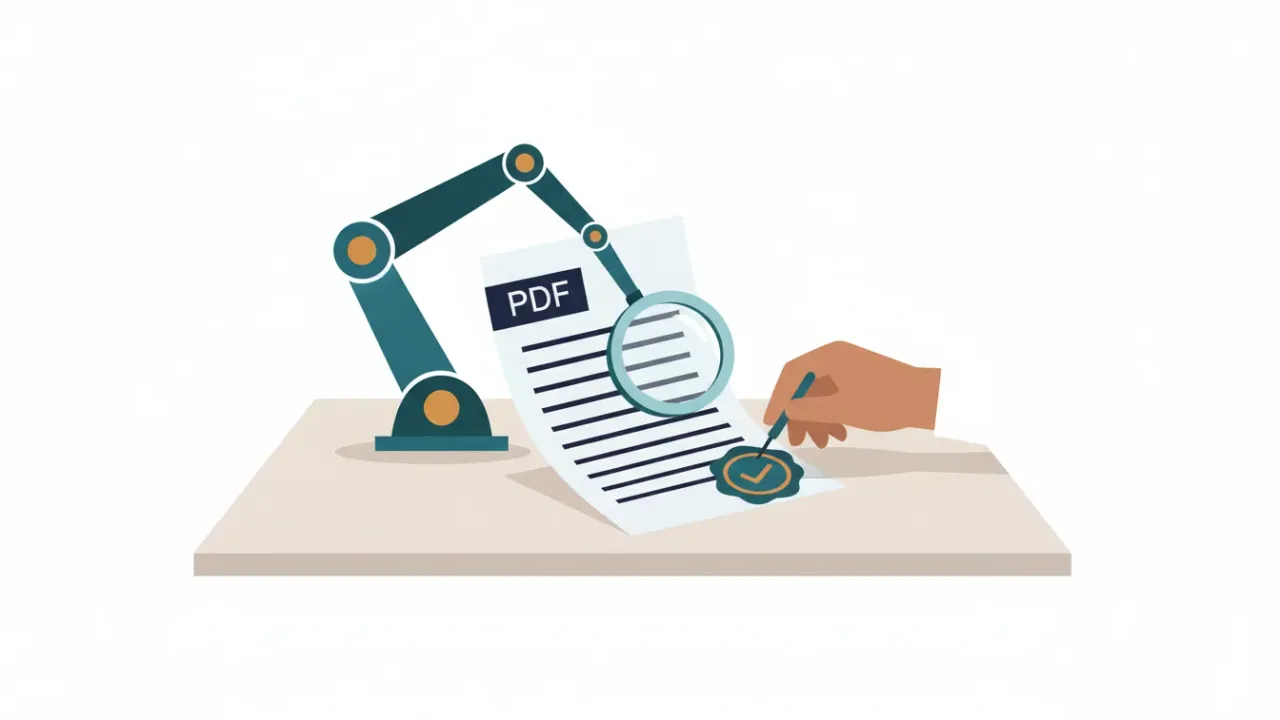
PDF remediation is the work of fixing a PDF so people who use assistive technology, such as screen readers, can read and use it. It usually means adding or repairing the file's hidden structure (called tags), setting a logical reading order, writing alt text for images, marking up tables and labeling form fields. Includoc does this with AI first, shows you anything that needs a person's judgment, and offers human verification by a certified accessibility specialist when the stakes are high.
Availability
Includoc is in beta. Checking documents is free and available now. AI fixing and human verification open in early 2027, at the prices on this page. You can request a quote for a remediation project today.
What remediation fixes
| Area | What we do |
|---|---|
| Structure (tags) | Build or repair tags so headings, paragraphs, lists, tables and images are labeled for assistive technology |
| Reading order | Put content in the order a sighted reader would follow, and mark page headers, footers and page numbers as artifacts so screen readers skip them |
| Headings | Create a real outline, from H1 down, that people can navigate by |
| Images and charts | Draft alt text for meaningful images, mark decorative images to be skipped, and give charts a short summary plus a data table when the values are legible |
| Tables | Mark header rows and columns with the right scope, and flag complex tables for review |
| Forms | Label existing form fields, add tooltips and set the tab order to follow the form |
| Document settings | Set the title, the language (including Spanish passages), the display title and bookmarks built from headings |
| Links | Tag links and flag link text that doesn't make sense on its own |
| Scanned pages | Add a text layer with OCR first, and flag text the OCR wasn't sure about |
When every machine check passes, we also mark the file as conforming to PDF/UA (ISO 14289), the international standard for accessible PDFs. We never add that mark to a file that hasn't passed.
Two ways to remediate
AI fix
Best for most documents, especially when someone on your team can review the items we flag.
- Price: $1.50/page, or less with page packs: 100 pages for $150, 500 pages for $600 ($1.20 a page) and 2,000 pages for $2,000 ($1.00 a page). Credits last 12 months.
- Free start: your first 10 pages are free when you sign up.
- Included: the fixed PDF, a conformance report and a change log.
- Re-fix free: re-process the same file at no charge for 30 days.
- Limits: up to 300 pages and 100 MB per file.
- Plans: Pro includes 300 AI pages a month, and Organization plans include 1,000 or 3,000. See pricing.
Human-verified
Best for forms people use to apply for services, complex tables, and any document that has to be right the first time.
| Page type | Price per page |
|---|---|
| Standard pages | $4 |
| Complex pages (tables, charts) | $7 |
| Form pages | $20 |
- What's included: the AI fix, plus a specialist's review against WCAG 2.1 AA and PDF/UA, a screen-reader test and a human-verified report. It doesn't use your plan's AI page allowance.
- Delivery: within 3 business days for files of 100 pages or fewer. Larger jobs get a quote with a delivery date.
- Rush: available at 1.5 times the page price.
- No surprises: we classify each page automatically and show you the breakdown and total before you pay.
How that compares
Typical human remediation vendors charge $5 to $8 a page for standard pages, and more for complex pages and forms (vendor rate compilation (opens another website), Harvard's negotiated vendor rates (opens another website)). The remediation cost calculator compares those rates with ours for your own document count.
How our process works
- Check. Upload a PDF or paste a link. We validate it against PDF/UA with veraPDF, run our own WCAG 2.1 AA checks, and explain the results in plain English, with the matching PAC and Acrobat messages.
- Fix with AI. We build or repair the tag structure. Then an AI model looks at each page image and its structure to correct headings, reading order, lists and tables, and to draft alt text, a document title and the language setting.
- Review. On the review screen, you approve or edit alt text, confirm heading levels, adjust the reading order and check table headers. Anything the AI wasn't confident about is flagged for you, never applied silently.
- Validate. We re-run veraPDF and our checks on the fixed file. If a change made something worse, we roll it back.
- Report. You download the fixed PDF, a conformance report (as HTML and as a tagged PDF) and a change log. The report separates what passed machine checks, what a person reviewed and what still needs review.
With human verification, a certified accessibility specialist (CPACC/IAAP or equivalent experience) also works through a WCAG 2.1 AA and PDF/UA checklist and tests the document with the NVDA screen reader. A second reviewer spot-checks 10% of files. Your report lists the reviewer's credentials.
Word and PowerPoint files follow the same steps. We fix alt text, headings, table header rows, slide titles, the title and the language in the source file, then give you both the fixed file and a tagged PDF.
What we don't do
We'd rather tell you now than after you've paid. Includoc doesn't:
- Redesign layouts or colors. We flag low contrast and other visual problems, but we don't redesign your document. Fix those in the source file.
- Create new form fields. We label and tag existing fillable fields. A scanned or flat form needs fields added first, or a new fillable or online version.
- Support XFA forms. We flag them as unsupported. Convert them to standard PDF forms (AcroForms) first.
- Write math as MathML. Equations get alt text, but we don't produce MathML or handle complex scientific notation beyond that.
- Handle PDF portfolios. Collections of files packaged as one PDF aren't supported.
- Keep digital signatures. Fixing a signed PDF invalidates the signature. We warn you before processing.
- Promise legal compliance. We give you evidence: a report that shows whether the file passes all machine-checkable PDF/UA and WCAG 2.1 AA checks, and which items need human review. Your counsel decides legal compliance.
Tools or services?
PDF remediation tools, such as Adobe Acrobat Pro and specialist desktop software, are powerful, but they take training and time for every document. PDF remediation services do the work for you, usually at $5 to $8 a page, with turnaround measured in days or weeks. Includoc is a bit of both: self-serve like a tool, with AI doing the repetitive work, and a service tier when you want a specialist's sign-off. If you already use a desktop tool, you can use Includoc for the first pass and finish in the tool you know.
Buying for a public agency
We work the way public purchasing works:
- Quotes: request a written quote for an Organization plan or a remediation project from the pricing page or our procurement contact form.
- Paperwork: W-9, certificate of insurance, security overview and our data processing addendum.
- Invoices: with your purchase order number and net-30 terms, paid by ACH or wire. Cards work too.
- Tax-exempt status: we keep your exemption certificate on file.
- Small purchases: pay-as-you-go pages work on a P-card, and Organization plans are priced to fit under many small-purchase limits.
Upload your PDF to fix this automatically
Free check in seconds. Files are deleted within 24 hours.
Frequently asked questions
Human-verified add-on
For high-stakes documents. A certified accessibility specialist reviews the AI fix against WCAG 2.1 AA and PDF/UA and tests it with a screen reader. The price includes the AI fix. We classify each page for you and show the breakdown before you pay.
| Page type | Price per page | Rush (×1.5) |
|---|---|---|
| Standard pages | $4 | $6 |
| Complex pages (tables, charts) | $7 | $10.50 |
| Form pages | $20 | $30 |
Delivered within 3 business days for up to 100 pages; larger jobs are quoted. Blank pages are free.
Purchasing & paperwork
Plans are priced to fit common purchasing-card and small-purchase limits. We send quotes and paperwork the same business day.
Related
- How to make a PDF accessible: a step-by-step guide
Make a PDF accessible from start to finish: fix the source file, export with tags, then check and fix tags, reading order, alt text, tables and forms.
- What is a tagged PDF? Tags, the tag tree and how to check them
A tagged PDF has hidden structure that tells screen readers what each part is. Learn the common tags, artifacts, role maps and how to view and fix tags.
- Accessible PDF forms: field labels, tab order, tags and XFA
Make fillable PDF forms work with keyboards and screen readers: field tooltips, tab order, Form tags, required fields, error messages and the XFA trap.
- Scanned PDFs and OCR: how to make an image-only PDF accessible
Image-only PDFs have no text for screen readers. Run OCR in Acrobat or OCRmyPDF, check the accuracy, tag the result, and know when to retype instead.
- PDF/UA explained: PDF/UA-1, PDF/UA-2 and the Matterhorn Protocol
PDF/UA is the ISO standard for accessible PDF files. What PDF/UA-1 and PDF/UA-2 require, how Matterhorn and validators test them, and the identifier.