Guides
Practical, step-by-step help with accessible PDFs, Word documents and slides, written in plain English.
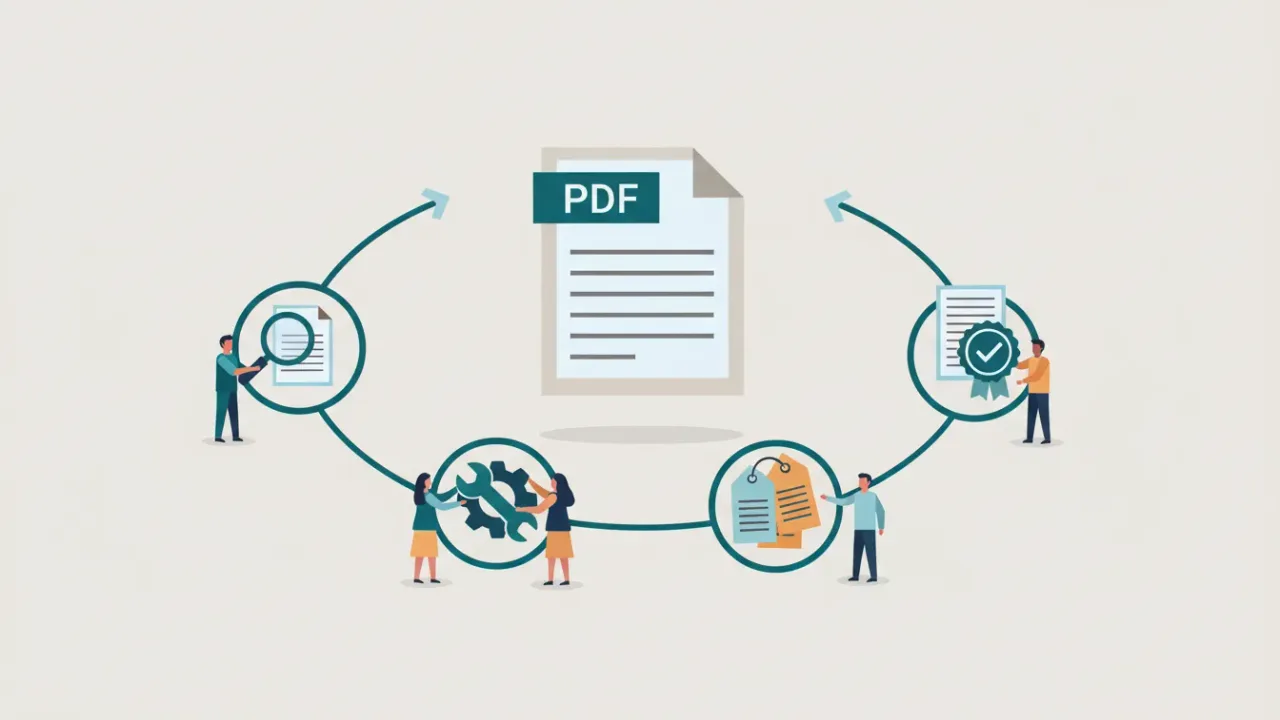
How to make a PDF accessible: a step-by-step guide
Make a PDF accessible from start to finish: fix the source file, export with tags, then check and fix tags, reading order, alt text, tables and forms.
Updated
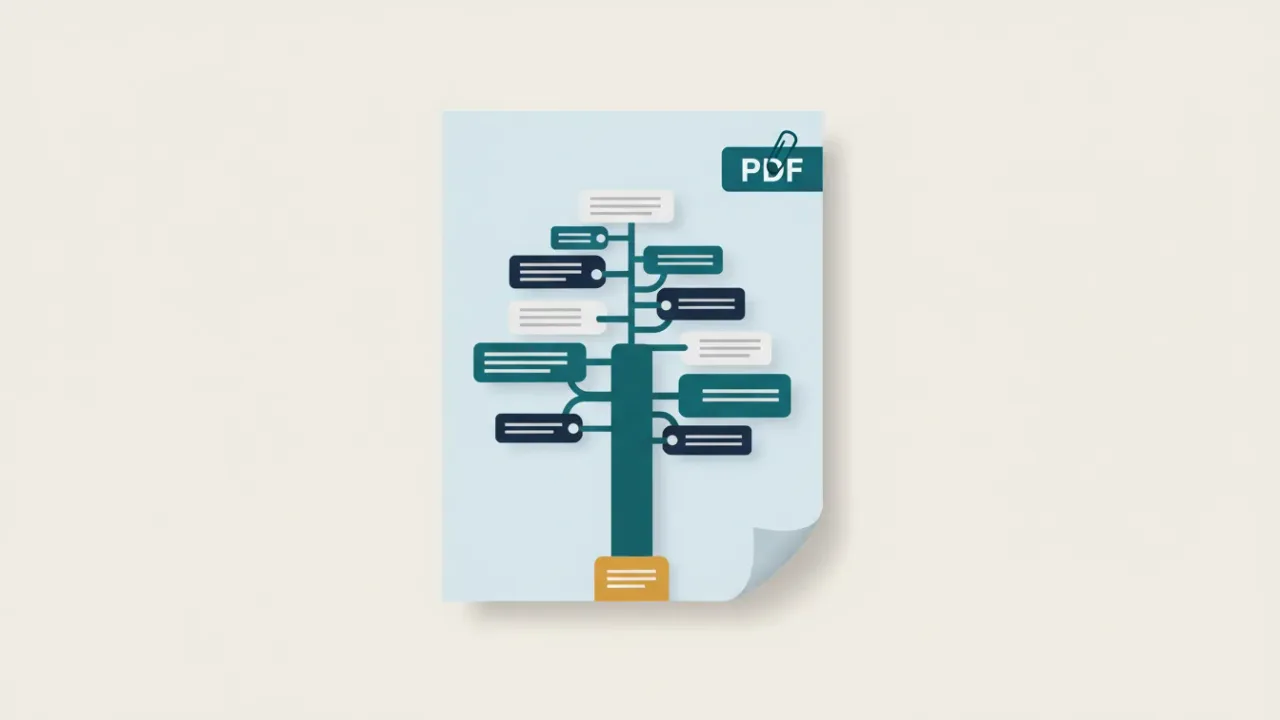
What is a tagged PDF? Tags, the tag tree and how to check them
A tagged PDF has hidden structure that tells screen readers what each part is. Learn the common tags, artifacts, role maps and how to view and fix tags.
Updated
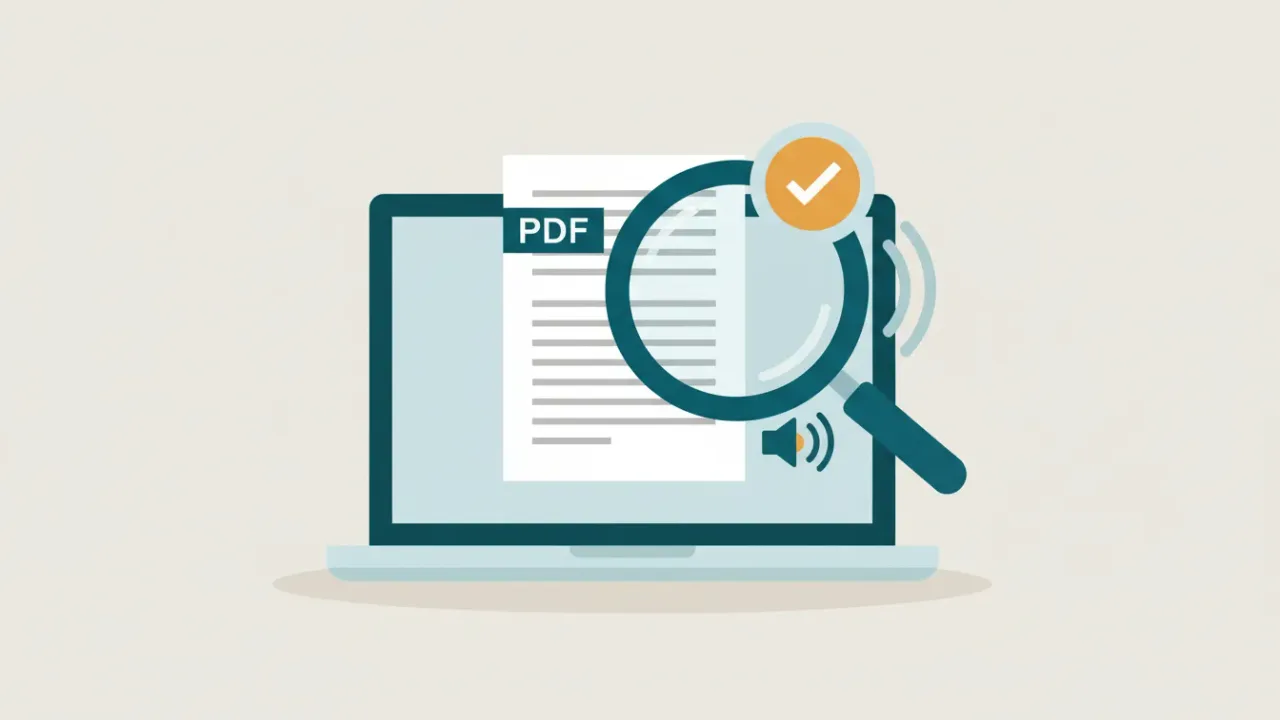
Accessible PDF documents: what they are and how to check one
What makes a PDF accessible, how an accessible PDF differs from a regular one, and quick ways to tell whether any PDF is accessible.
Updated

Word accessibility checker: how to run it and fix every result
How to run Microsoft Word's Accessibility Checker, what Errors, Warnings and Tips mean, how to fix each one, and how to export a properly tagged PDF.
Updated
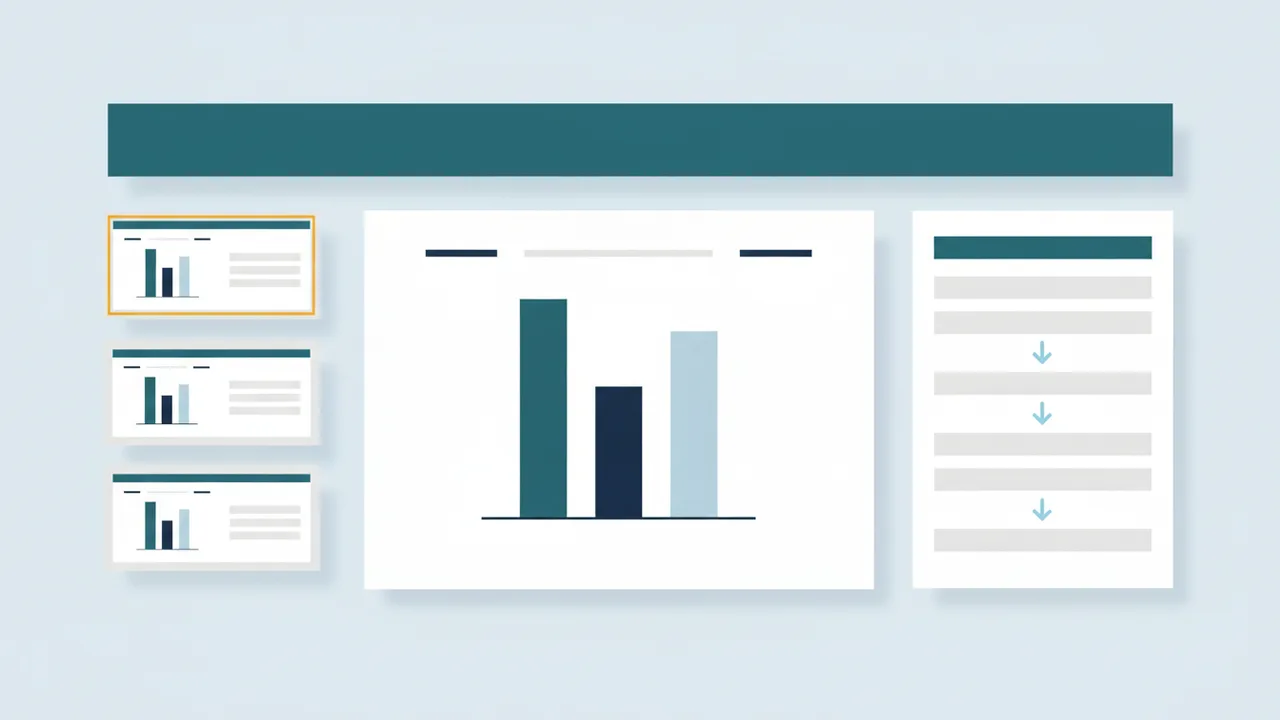
PowerPoint accessibility checker: what it checks and what it doesn't
How to run PowerPoint's Accessibility Checker, fix slide titles, reading order, alt text, tables and contrast, and what the checker never checks.
Updated
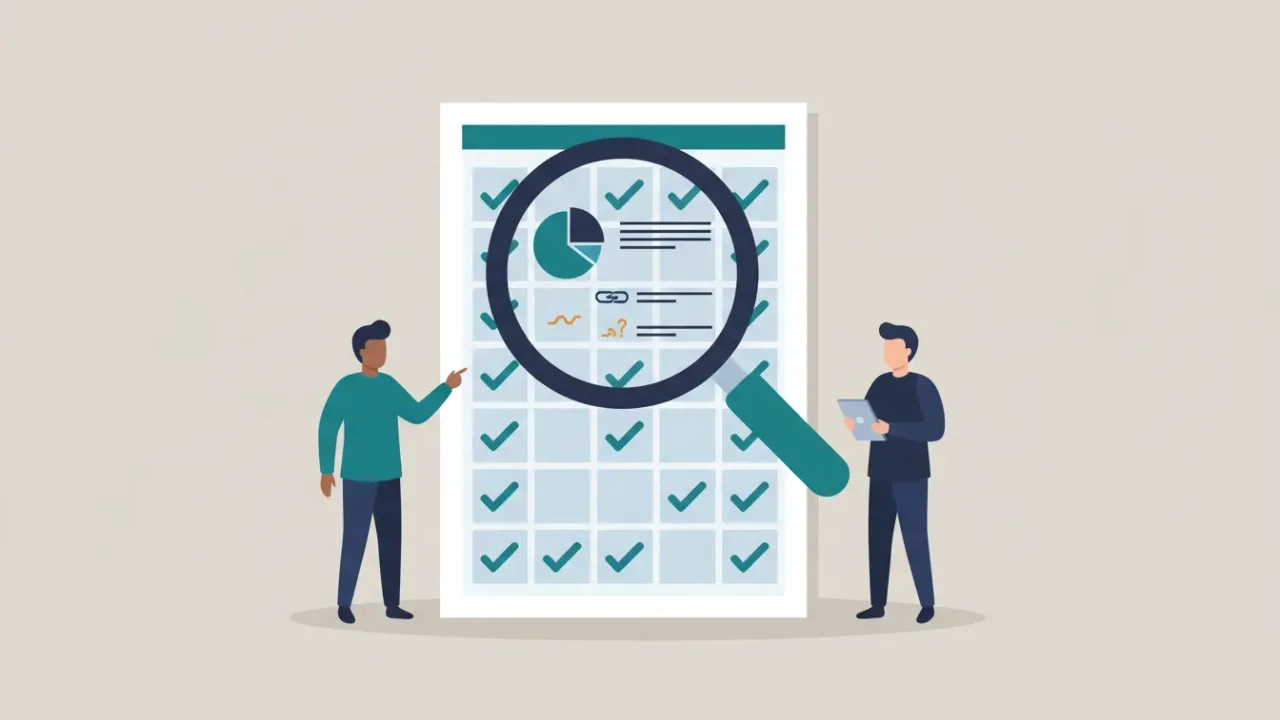
What the Microsoft Accessibility Checker doesn't check
Microsoft's Accessibility Checker finds missing alt text, titles and table headers, but not whether content makes sense. What it skips and how to check it.
Updated
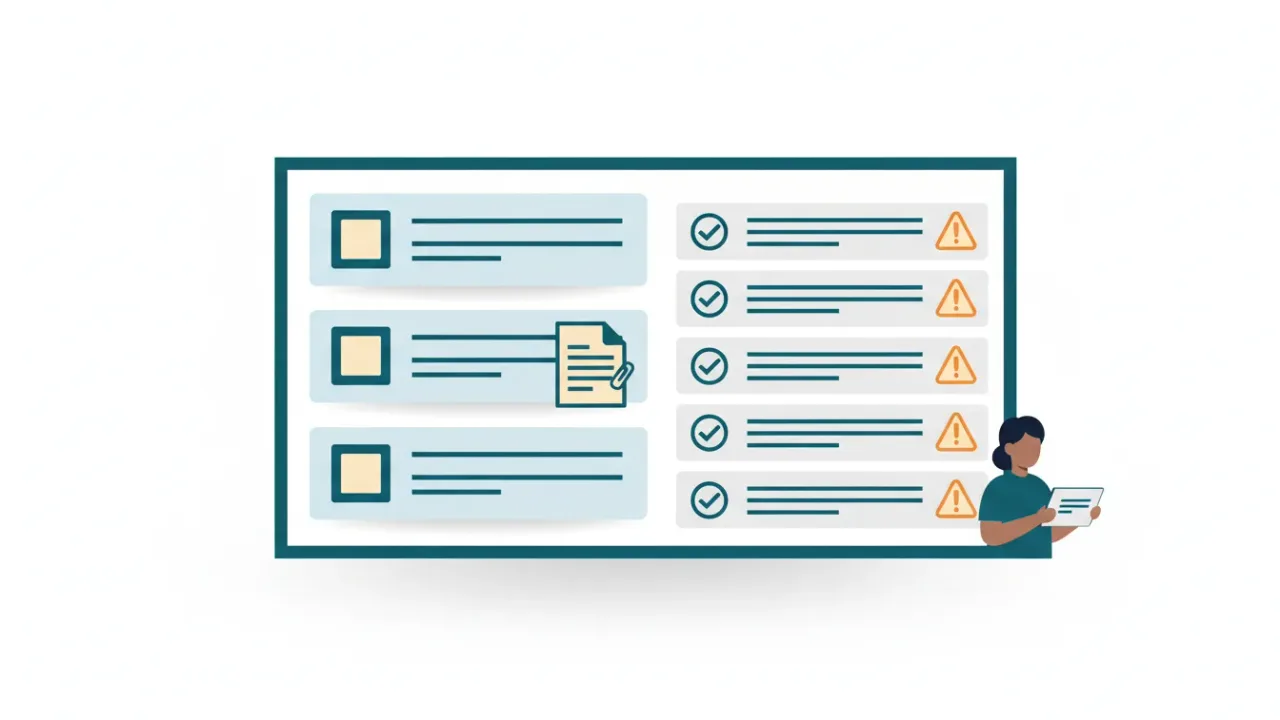
Canvas accessibility checker: what it checks, and what it misses
What the Canvas accessibility checker reviews, why it skips uploaded PDFs and slides, and how UDOIT, Anthology Ally and a document fixer fill the gap.
Updated

How to write alt text: a practical guide with examples
Write alt text that says what an image means, not just what it shows: decorative images, logos, signatures, charts and text in images, with examples.
Updated

Alt text for charts and graphs, including how to add it in Excel
Write chart alt text that states the main point, pair it with the data, and add it in Excel, Word, PowerPoint or a PDF. Includes examples by chart type.
Updated
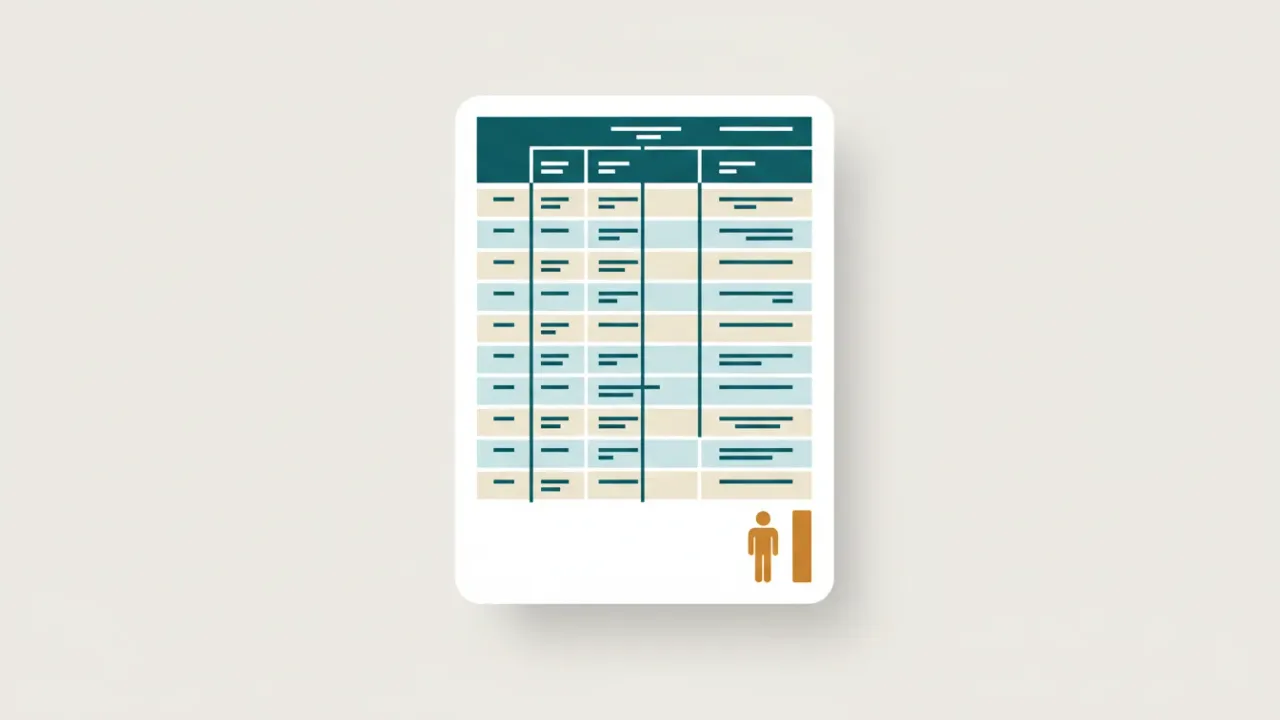
Accessible tables in PDFs: header cells, scope and complex tables
How to tag tables in a PDF so screen readers can follow them: TH cells, scope, Headers and IDs for complex tables, and fixes in Word and Acrobat.
Updated
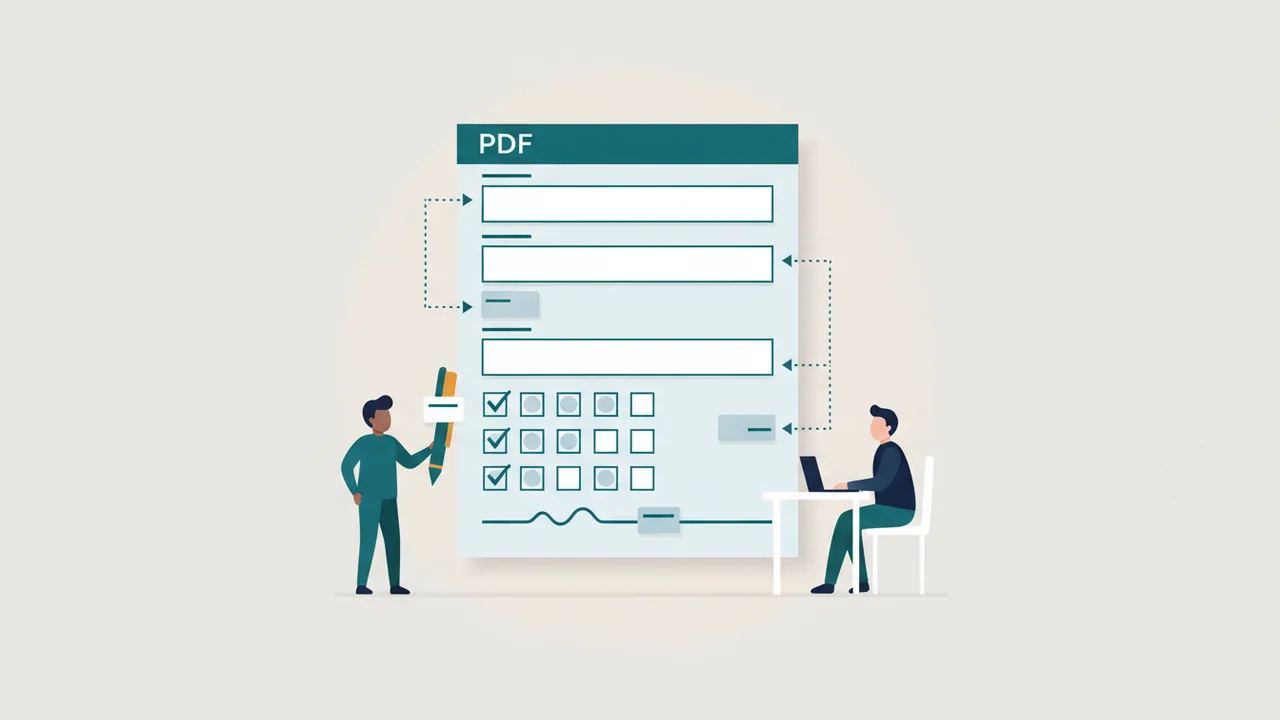
Accessible PDF forms: field labels, tab order, tags and XFA
Make fillable PDF forms work with keyboards and screen readers: field tooltips, tab order, Form tags, required fields, error messages and the XFA trap.
Updated

Scanned PDFs and OCR: how to make an image-only PDF accessible
Image-only PDFs have no text for screen readers. Run OCR in Acrobat or OCRmyPDF, check the accuracy, tag the result, and know when to retype instead.
Updated

PDF/UA explained: PDF/UA-1, PDF/UA-2 and the Matterhorn Protocol
PDF/UA is the ISO standard for accessible PDF files. What PDF/UA-1 and PDF/UA-2 require, how Matterhorn and validators test them, and the identifier.
Updated
WCAG vs. PDF/UA: which standard do your PDFs need?
WCAG 2.1 AA is what the ADA Title II rule requires; PDF/UA is the ISO standard for accessible PDF files. How they differ, overlap and map to each other.
Updated
Google Docs accessibility checker: what's built in and what to add
Google Docs and Slides have no full built-in accessibility checker. What's built in, add-ons like Grackle, and how to check the PDFs you download.
Updated
Excel accessibility checker: how to make spreadsheets accessible
Run Excel's Accessibility Checker and fix what it finds: sheet names, header rows, merged and blank cells, alt text for charts and pictures, and contrast.
Updated

Accessible agendas, packets and minutes: a weekly playbook for clerks
A repeatable workflow for clerks and comms staff to make meeting agendas, agenda packets and minutes accessible every week, from template to posting.
Updated
ADA Title II exceptions explained: archived content and preexisting documents
The five exceptions in the ADA Title II web rule, what each really covers, why forms never qualify, and how to document an exemption decision.
Updated